Banner message can go here.

Install OAD assistant for Slack

Your assistant to hire and develop talent with scientific certainty

Built by OAD.ai

Follow the steps below to connect OAD Assistant For Slack:

Permission Required

For OAD: You must be a Owner or Admin in your OAD account.

For Slack: You must also be an administrator for the Slack workspace you want to install the integration for. If you’re not a Slack administrator, you’ll need to contact your Slack administrator to give you access.

Please Note:

  • Only one Slack workspace can be connected at a time.
  • Access to public and private channels is required to enable live chat and deliver notifications.
  • Slack member details are used to match activity in Slack to the correct OAD user in your account.

Installation Process

  1. Login to your OAD account by clicking https://app.oad.ai/login
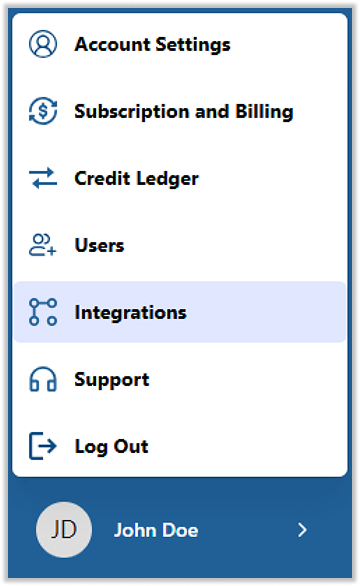
  2. Go to Integrations by clicking on User Name in bottom right corner.
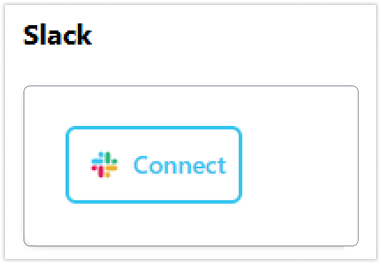
  1. Click “Connect” under Slack. You’ll be redirected to Slack in a new browser tab.
  1. Review the requested permissions, then click Allow.

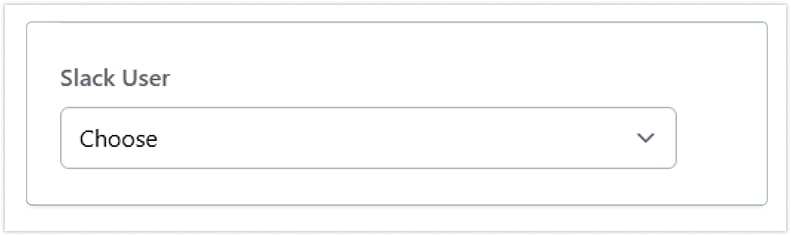
Map OAD and Slack email addresses

After you approve the permissions, you are returned to your OAD account settings. Select the Slack channel where you want to receive notifications.

After Setup

Once the Slack app is installed and your OAD and Slack email addresses are aligned, notifications will begin automatically.

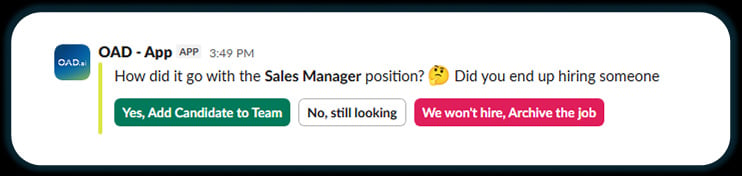
1. Hiring Manager notifications

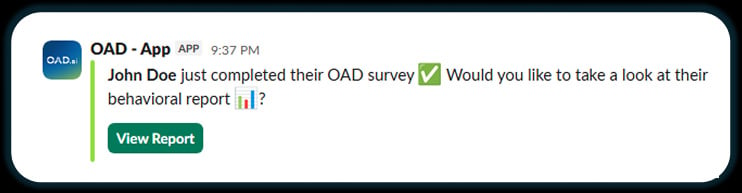
  • When a candidate completes a survey and exceeds a 70% match with the job profile
  • When a job profile has remained open for more than 30 days

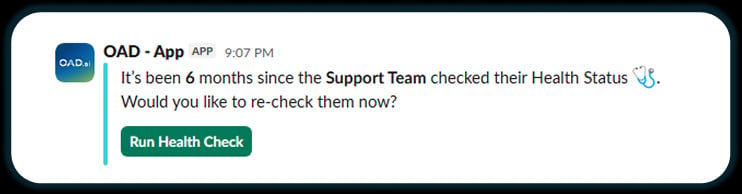
2. Team Manager notifications

  • When a team member completes a survey
  • When it’s time to send new surveys to team members

Disconnect the integration for Slack

To uninstall the Slack app:

  • Login to your OAD account by clicking https://app.oad.ai/login
  • Go to Integrations by clicking on User Name in bottom right corner.
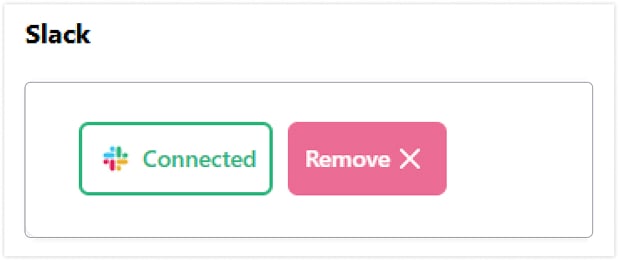
  1. Click “Remove” button right beside connected, under Slack tab.

Get Support

Submit a support request using the web form at: https://oad.ai/contact

Privacy Policy

Please refer to OAD’s Privacy Policy for more information.